Secure Calculator Vault
A downloadable tool for Windows
Secure Calculator Vault is a privacy-focused Windows application that combines a secure calculator, file vault, and built in media viewer into one clean and reliable tool.
Designed for user who value security and simplicity, the app allows you to safely manage and view your personal files while maintaining full control over access. it runs fully offline, does not track users, and follows Windows security best practices.
Key Features
- Secure calculator interface
- Built-in file viewer for images, videos, and text files
- Offline operation - no internet required
- clean, distraction - free UI
- Optimized for Windows 10 and Windows 11 desktop devices
- One - time purchase - no subscription
Supported Image Formats
- jpg
- jpeg
- png
- gif
- bmp
- svg
- tif
- tiff
- ico
- webp
Supported Video Formats
- mp4
- mov
- mkv
- webm
- avi
- mpg
- mpeg
- ogv
Supported Text Formats
- txt
- csv
- md
- log
Supported Pdf Formats
Privacy & Security
- No ads
- No analytics
- No data collection
- Files stay on your device
Secure Calculator Vault is ideal for user who want a lightweight, secure, and reliable way to manage private files and media on Windows.
How to use :-
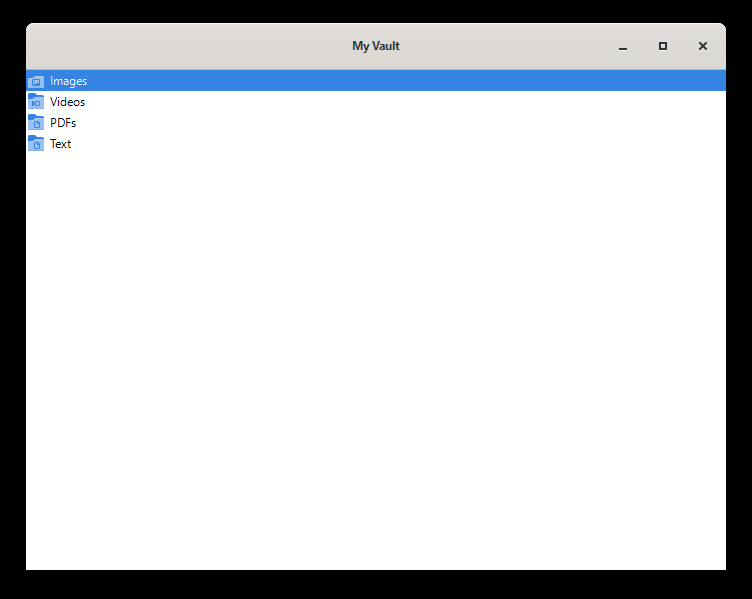
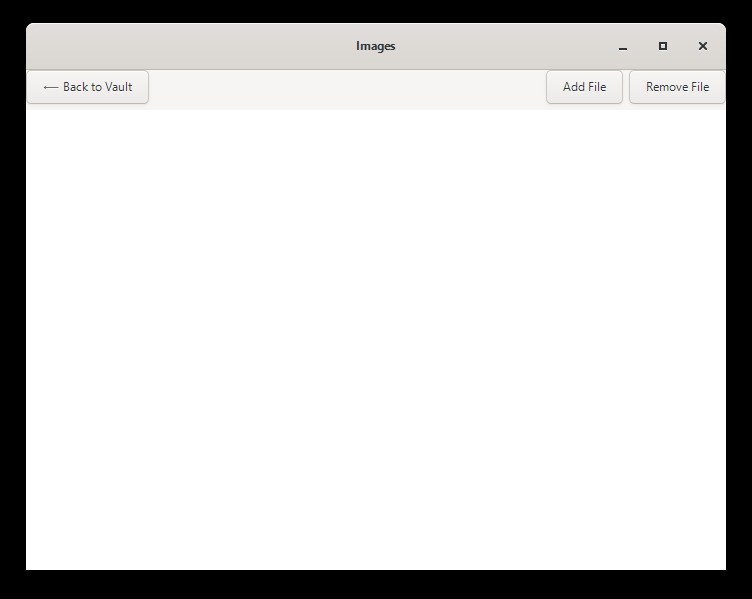
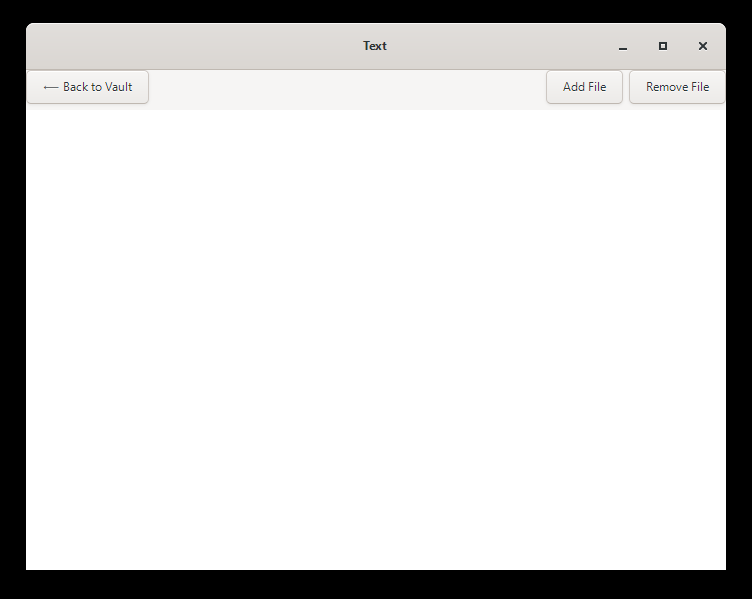
Click on set button to set the password for the vault. after set the password for vault write the password on calculator click on equal to open the vault. after opening the vault you see the four section image, pdf, text and pdf. go inside anyone and click to the add file button and select the file you want to hide or encrypt for safety and you can click the file it open with built in media viewer and supported extension list i give you for image, video, pdf and text file. for removing file select the file and click the remove button and select the location where you want save. after removing files are decrypting. you can change the password by clicking the change button on calculator screen enter the old password and write the new password you want.
User can use keyboard to interact inside video viewer use right and left key for video forward and backward, up and down key for sound, f key for full screen, esc key for removing full screen.
Purchase
In order to download this tool you must purchase it at or above the minimum price of $1.20 USD. You will get access to the following files:
Development log
- Secure Calculator Vault17 days ago

Leave a comment
Log in with itch.io to leave a comment.